
Live Chat Support
Get real time help using our HelpDesk
Need help using our platform?
Get real-time assistance via our HelpDesk from Monday - Friday 9:30 AM - 6:00 PM EET.
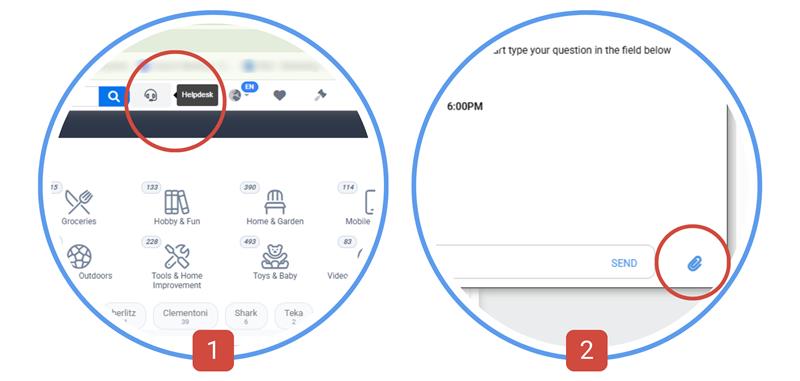
Click the HelpDesk button [1] to ask your question.
You can also upload a file or screenshot to our customer support using the paper clip button [2] — securely accessible only to you and our support team.
Get real-time assistance via our HelpDesk from Monday - Friday 9:30 AM - 6:00 PM EET.
Click the HelpDesk button [1] to ask your question.
You can also upload a file or screenshot to our customer support using the paper clip button [2] — securely accessible only to you and our support team.
New Inventory Photofeed
See the inventory and purchase with confidence
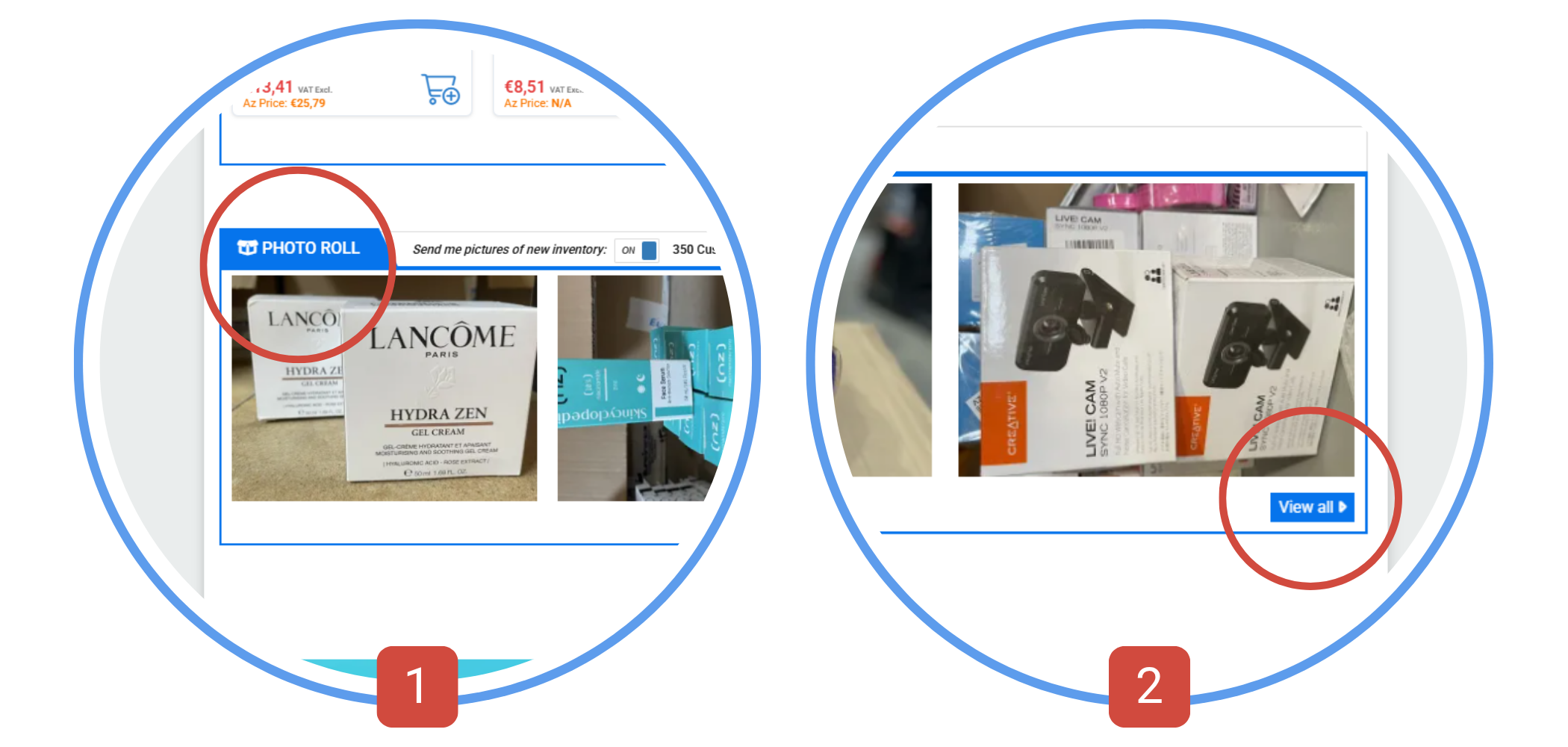
Visit our homepage and explore the Media Roll [1].
Click View All [2] to open the full gallery.
Subscribe to the photofeed email to get updates as soon as new products are added.
Click View All [2] to open the full gallery.
Subscribe to the photofeed email to get updates as soon as new products are added.
Tag Your Favourites
Easily add items or lots to your Watch List with a click
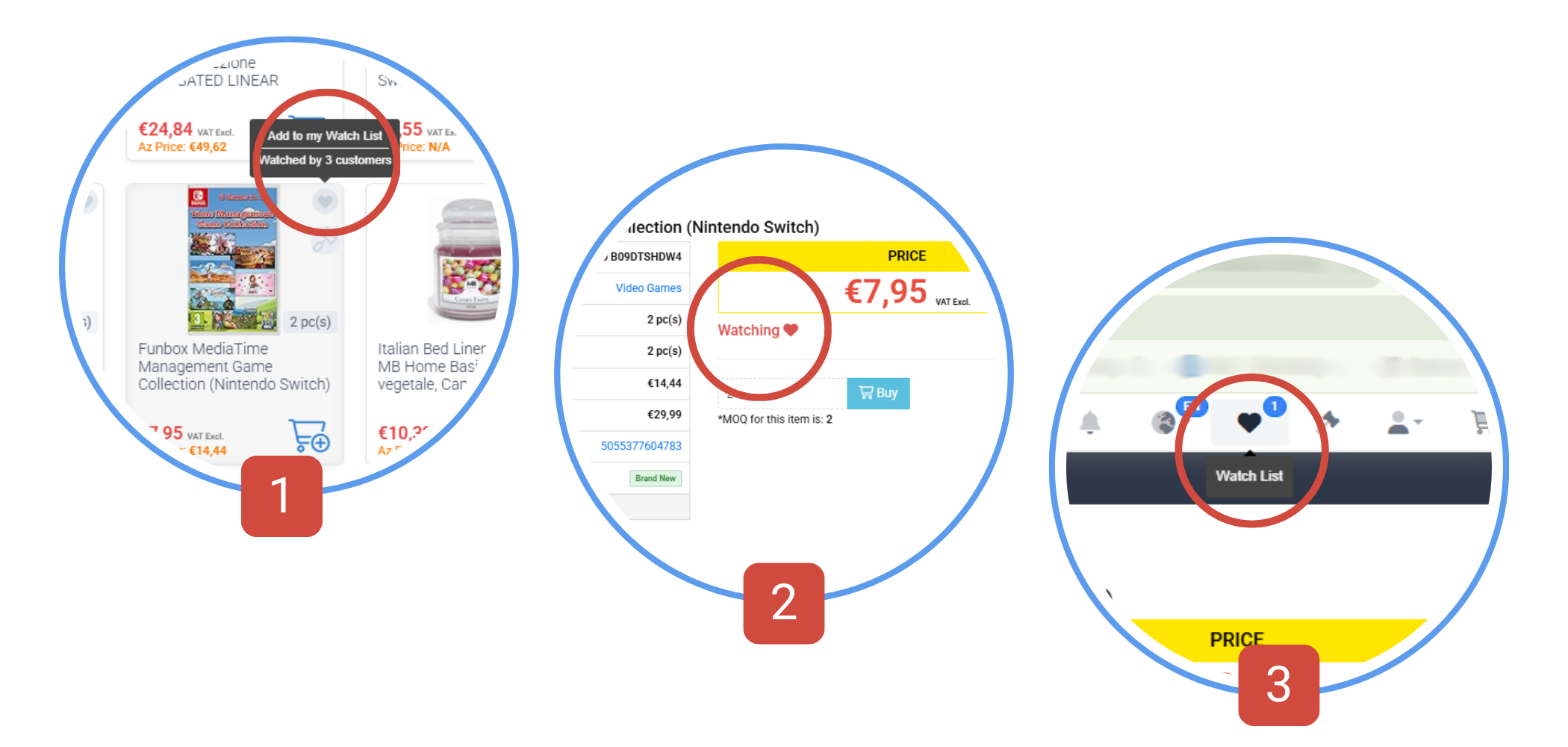
We let you know how many other customers are watching this same listing. [1]
Track price changes and availability over time [2], filtering your watchlist by type and condition.
You can also subscribe for email notifications about your Watched inventory. [3]
This way you'll get personalized email notifications about price drops and restocks.
Track price changes and availability over time [2], filtering your watchlist by type and condition.
You can also subscribe for email notifications about your Watched inventory. [3]
This way you'll get personalized email notifications about price drops and restocks.
Name Your Price
Enter the price you are willing to pay. If your offer is reasonable we will be glad to accept it
How it works?
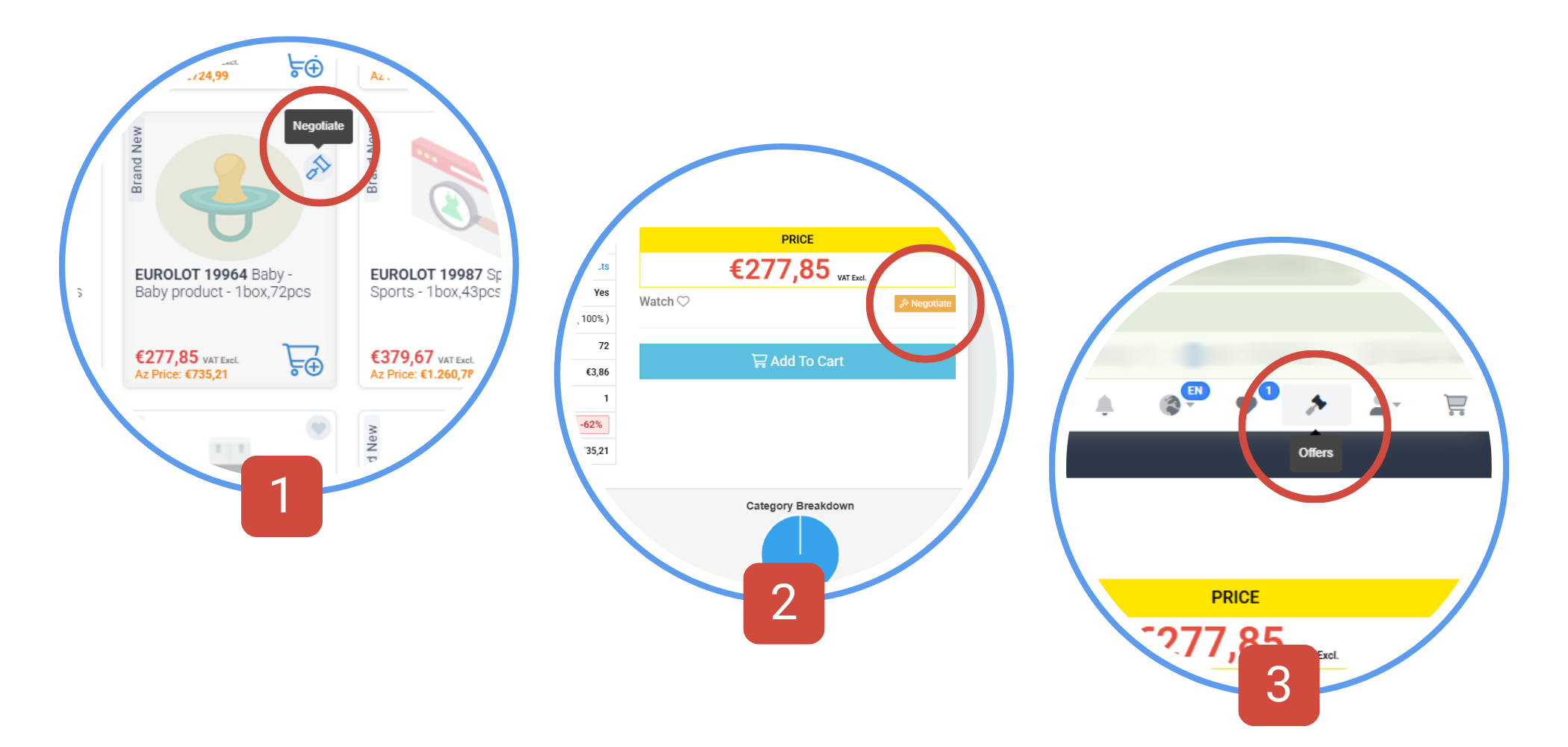
Step 1: Move your mouse over the item and click on the negotiate button on the top right [1] or under the price on the item page [2].
Step 2: Enter your target price in the field and send it to us.
You'll get a response ASAP. [3]
Step 1: Move your mouse over the item and click on the negotiate button on the top right [1] or under the price on the item page [2].
Step 2: Enter your target price in the field and send it to us.
You'll get a response ASAP. [3]
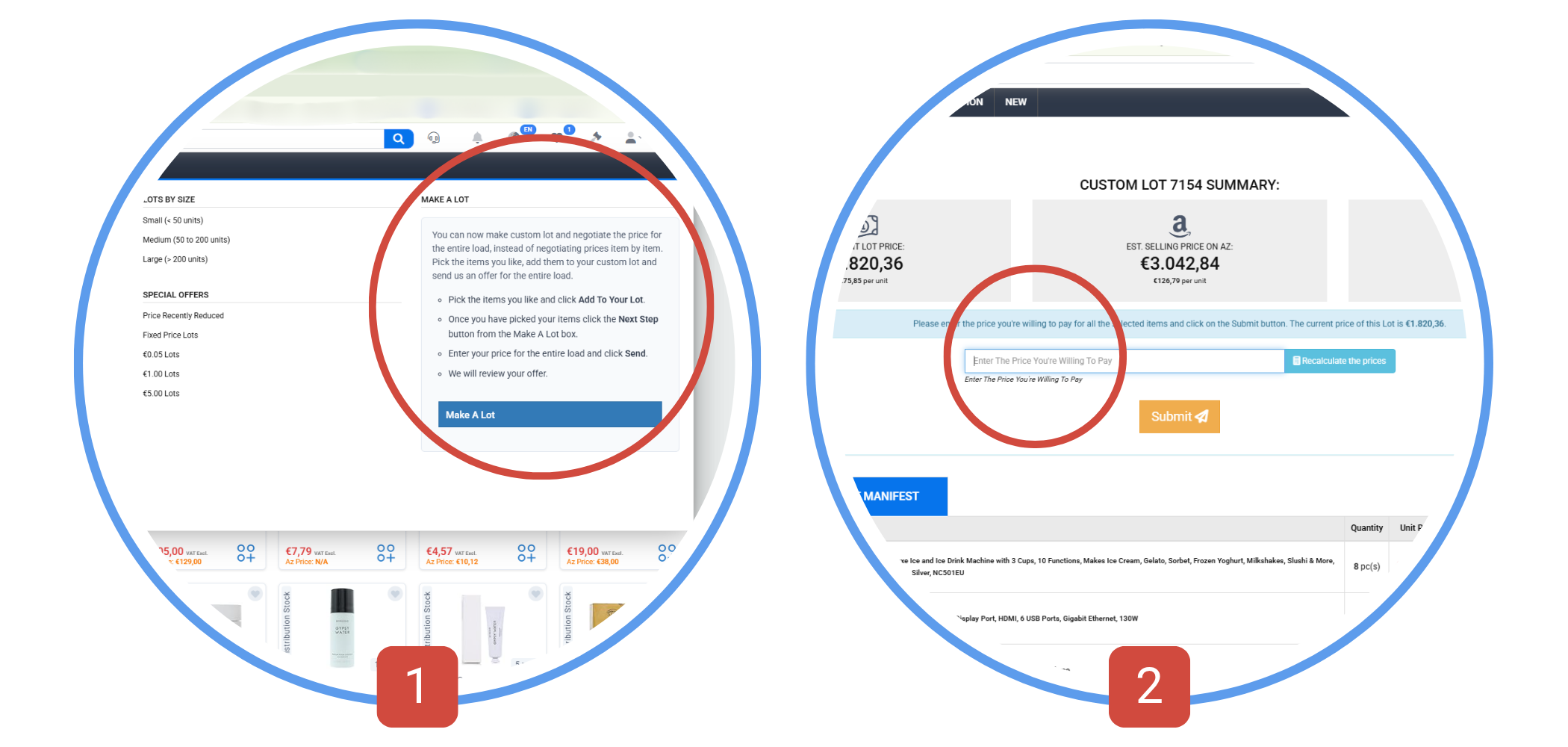
Make Your Own Lot
Can’t find the perfect lot? Build your own.
To create a unique custom Lot, go to Make a Lot, select the items you want [1], and submit your offer [2].
We’ll reserve your items while reviewing the offer and we will let you know if it’s approved ASAP.
We’ll reserve your items while reviewing the offer and we will let you know if it’s approved ASAP.
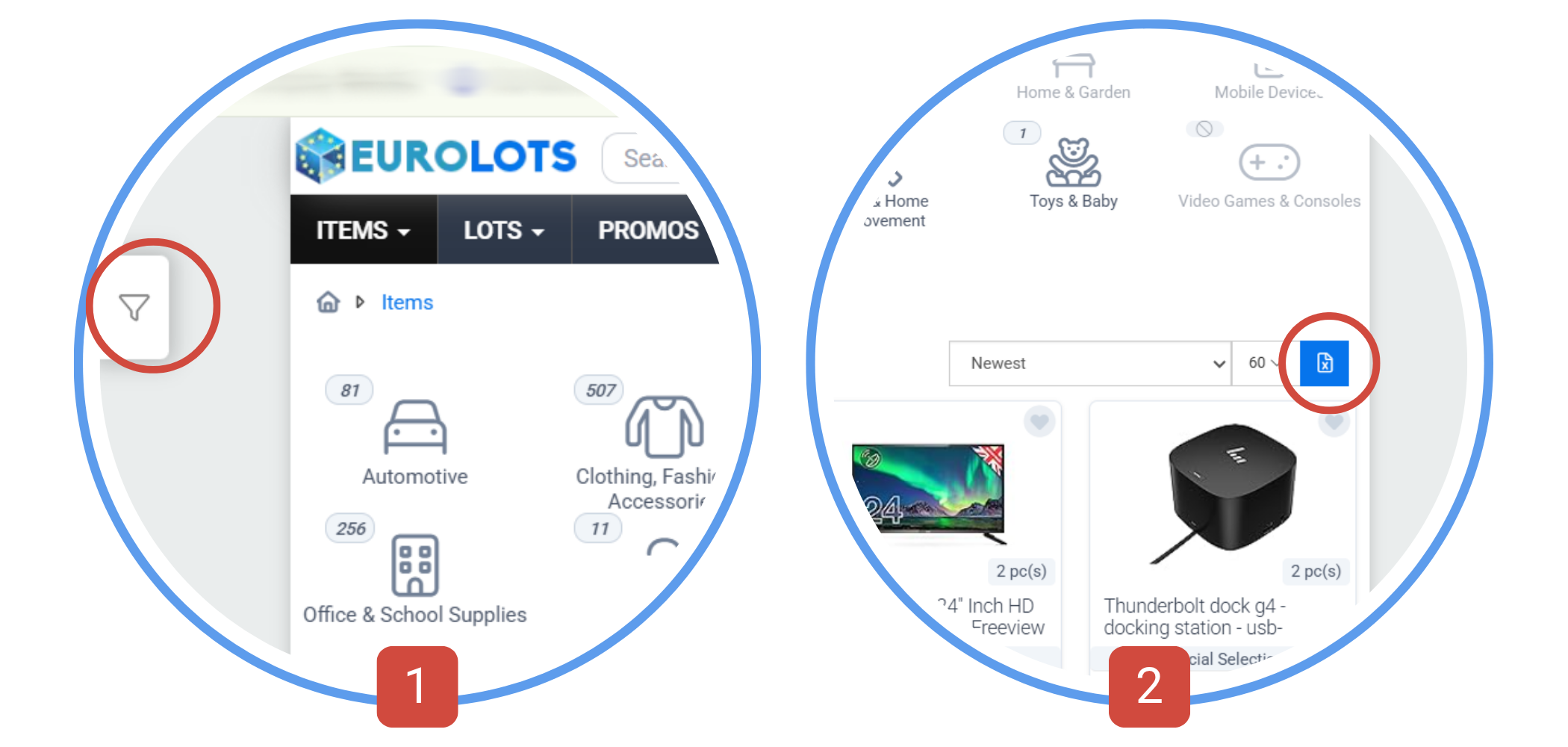
Export listings
Want to make informed buying decisions? We help you even further.
You can filter items from different categories by brands, special deals, condition, price, and quantity. [1]
Once you do, you can export them in a table.
To do so, just click the button [2] on the top right over the items and the file will be downloaded on your device.
Once you do, you can export them in a table.
To do so, just click the button [2] on the top right over the items and the file will be downloaded on your device.
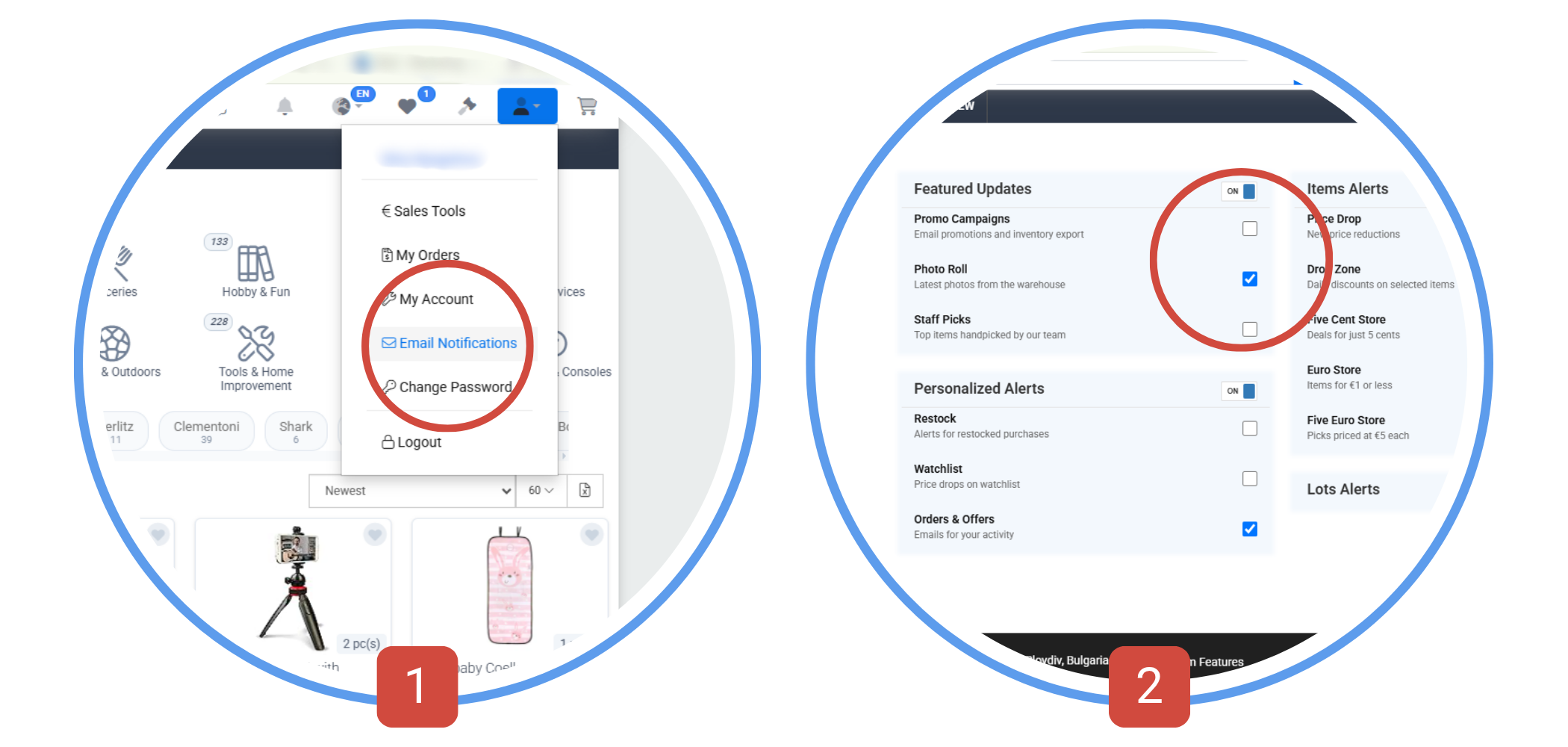
Stay up to date
Never miss a good deal! Customize your notifications.
Customize your alerts in the Email Notifications section [1].
Subscribe only to the updates that matter to you.
You can change your preferences or unsubscribe at any time [2].
Subscribe only to the updates that matter to you.
You can change your preferences or unsubscribe at any time [2].
External Links
Keep in mind before purchasing
EuroLots does not guarantee the accuracy or completeness of product information shown on external websites.
Features, specifications, and country-specific details may differ.
Always review the product information on EuroLots before placing an order.
Features, specifications, and country-specific details may differ.
Always review the product information on EuroLots before placing an order.
Join Live Auctions and Bid
Looking for the best wholesale and liquidation deals before anyone else grabs them?
Our Live Auctions lets you compete with other users for premium products shown in a livestream by our representative.
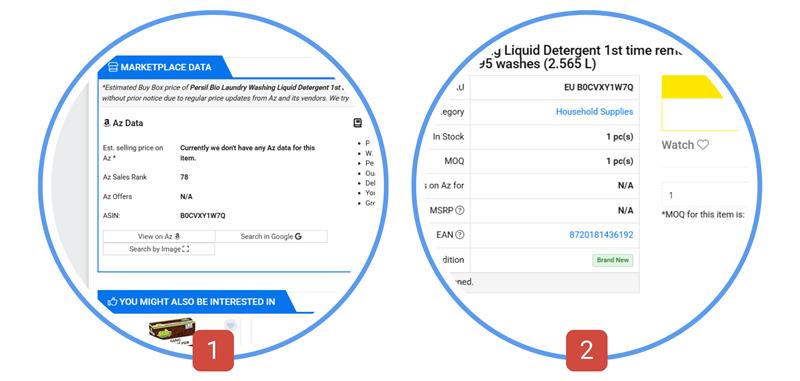
Go to Auctions from the notification bar [1] at the top and wait for the auction to start.
You can view product details, and use the chat to ask our team questions. [2]
Bid with fixed amounts or set your customized bids. All you have to do is click the red button with the amount you choose to place your bid. [3]
Any products you won will be automatically added to your cart after the auction ends.
Go to Auctions from the notification bar [1] at the top and wait for the auction to start.
You can view product details, and use the chat to ask our team questions. [2]
Bid with fixed amounts or set your customized bids. All you have to do is click the red button with the amount you choose to place your bid. [3]
Any products you won will be automatically added to your cart after the auction ends.
Decide Which Items We Add
Want us to stock certain inventory?
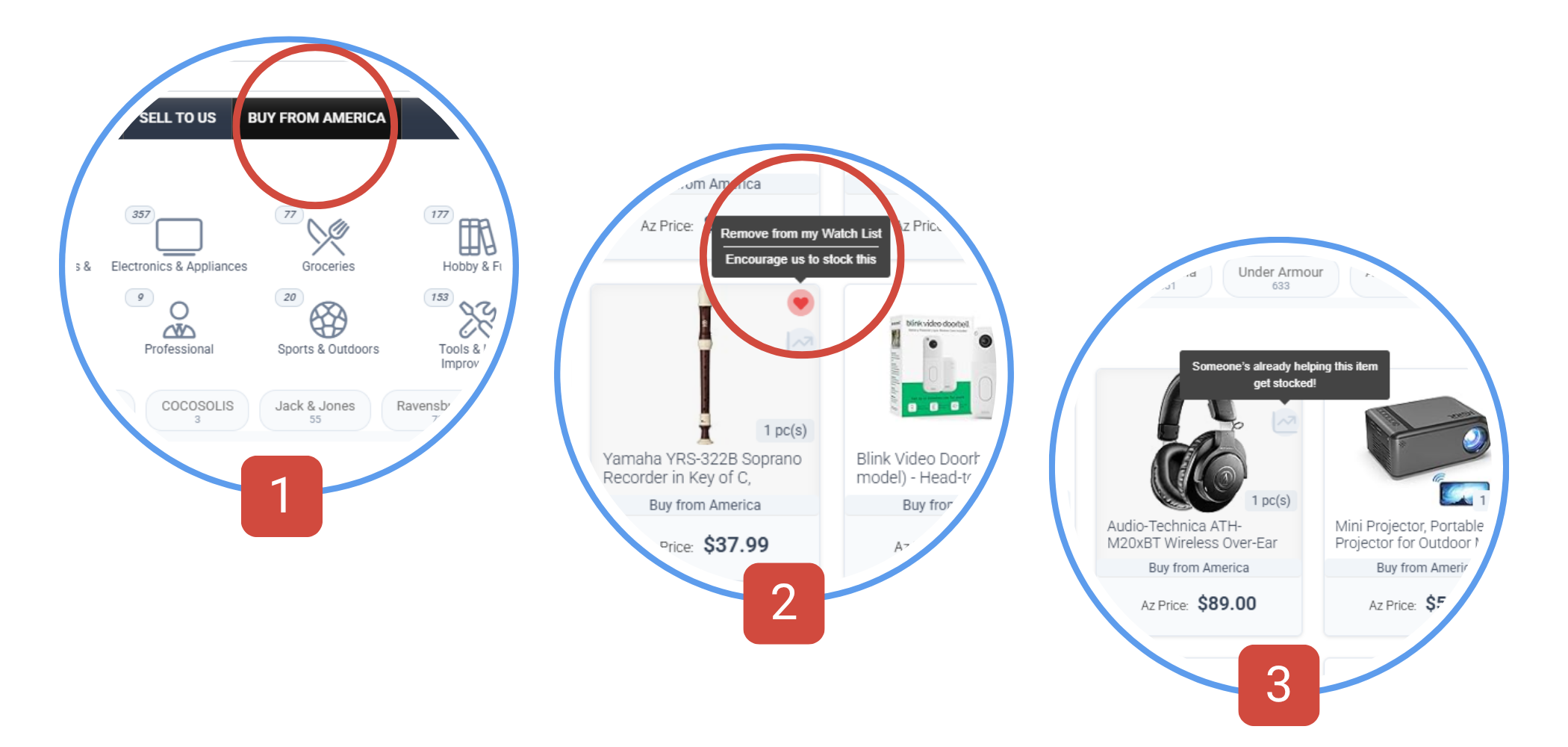
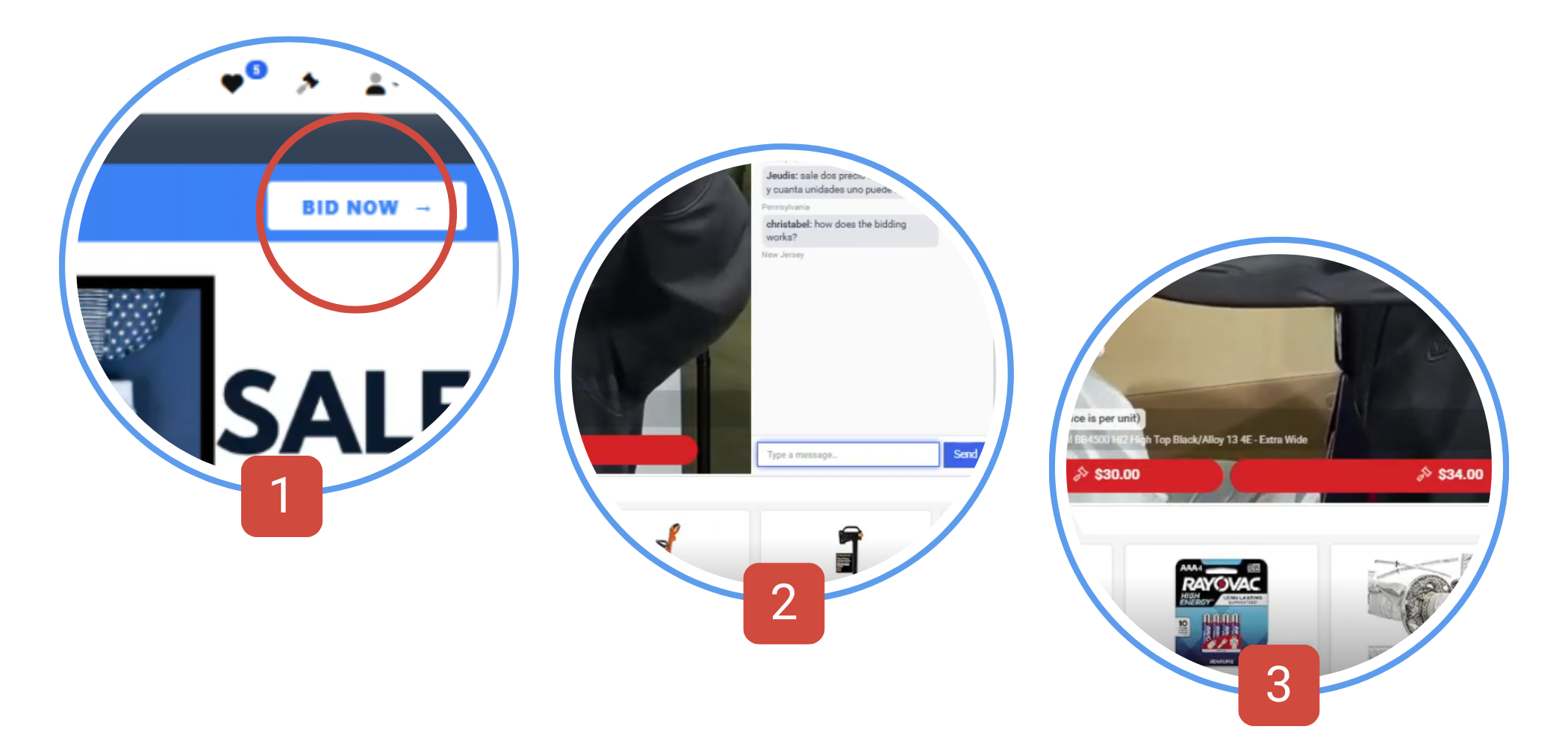
Go to Buy from America [1] and browse thousands of possible items we can get for you. Click ‘Watch’ to track incoming inventory and get notifications when new items arrive. [2]
Also, you can track interest by other users in the same products. [3]
Also, you can track interest by other users in the same products. [3]